About 2 GB CNC Plasma Cutting Software
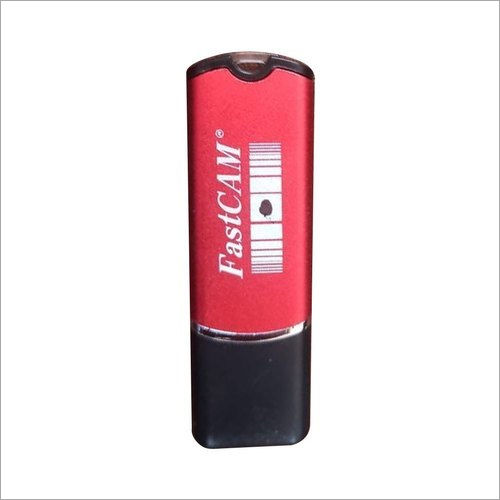
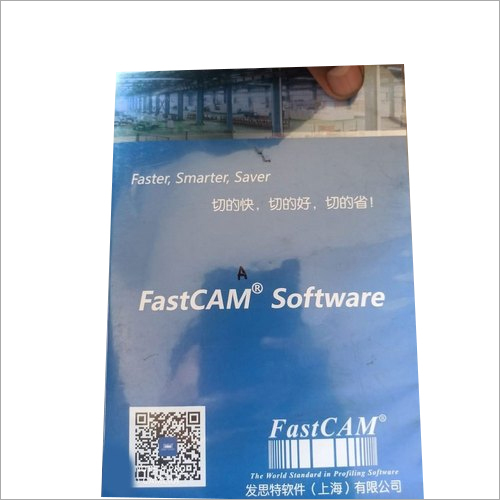
We are a reputed company offering 2 GB CNC plasma cutting software to our interested customers. It is instrumental in streamlining the cutting process, thus reducing the time and effort which is needed to set up and for operating the machine. Since it allows precise and consistent cutting process, hence a 2 GB CNC plasma cutting software enhances the accuracy of the whole process. It employs an automatic nesting feature which easily optimizes material usage thereby saving money and reducing waste. It can be easily customized for meeting the particular needs of the user.
Versatile Operation ModesThis CNC plasma cutting software can be operated in both manual and automatic modes, providing flexibility for diverse fabrication tasks. Whether you require precision control or streamlined automation, the software adapts to your workflow needs, supporting single and multiple user access for efficient project management.
Robust Data ManagementThe software includes robust backup and restore functionalities, ensuring your projects are securely stored and easily recoverable. Data can be imported and exported via USB or network, simplifying integration with other devices in your manufacturing environment. Multi-level access controls further enhance data security.
Seamless Update and CompatibilityOnline software updates keep your system current with the latest features and security enhancements. The platform supports a broad range of Windows operating systems, from Windows 7 through Windows 11, ensuring usability across new and legacy hardware. A minimum display resolution of 1024x768 pixels guarantees crisp visualization of cutting patterns.
FAQ's of 2 GB CNC Plasma Cutting Software:
Q: How do I install the 2 GB CNC Plasma Cutting Software on my system?
A: To install the software, ensure your Windows PC meets the minimum requirements: 2 GB disk space, Intel Core i3 or higher processor, and at least 4 GB of RAM. Download the installation package from the manufacturer or supplier, and follow the on-screen instructions for setup.
Q: What file formats are supported for importing cutting designs?
A: The software supports DXF, DWG, and G-code file formats, allowing you to import a wide range of design files for precision metal cutting.
Q: When are software updates available and how can I receive them?
A: Online software updates are provided periodically by the manufacturer or service provider. These can be accessed directly through the software interface whenever your PC is connected to the internet.
Q: Where can I access backup and restore features for my projects?
A: Project backup and restore options are available within the software's settings menu. You can securely save your work to a local disk or external device, such as via USB or over the network.
Q: What is the process for data import and export using this software?
A: You can import and export project data through supported USB 2.0 or Ethernet interfaces. Simply navigate to the import/export section and select your preferred method to transfer files to or from other devices.
Q: How does the software's user authentication and access control system enhance security?
A: User authentication is required at login, and multi-level access control ensures that only authorized users can access or modify projects, protecting sensitive industrial data.
Q: What are the benefits of using this CNC software for industrial fabrication?
A: The software delivers precision cutting, automated operation, secure data management, and flexible user access, making it ideal for industrial metal fabrication and ensuring reliable performance for manufacturers, suppliers, and traders in India.





 Send Inquiry


 Send Inquiry
 Send Inquiry
 Send SMS
